PopBlock+ is a virus. PopBlock+ gather your browsing history from your web browser. PopBlock+ abuses your browsing history for analyzing and unwanted advertising services.
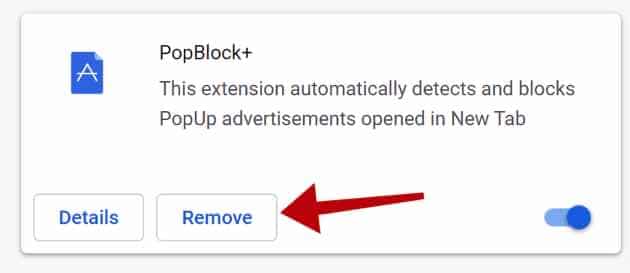
PopBlock+ is usually recommended on the internet as a helpful tool using lp.directpower.download pop-up. According to the malware developers “This extension automatically detects and blocks PopUp advertisements opened in New Tab“.
The web browsing data collected by the PopBlock+ adware is used for advertising purposes. The browsing data is sold to advertising networks. Because PopBlock+ gathers browsing data from your browser, PopBlock+ is also classified as (PUP) Potentially Unwanted Program.
PopBlock+ browser extension will install itself in the Google Chrome, Firefox, Internet Explorer and Edge browser. No major browser developer yet notices this browser hijacker as dangerous.
If the PopBlock+ browser extension has been installed, remove the PopBlock+ extension as soon as possible using this PopBlock+ removal instruction.
Remove PopBlock+
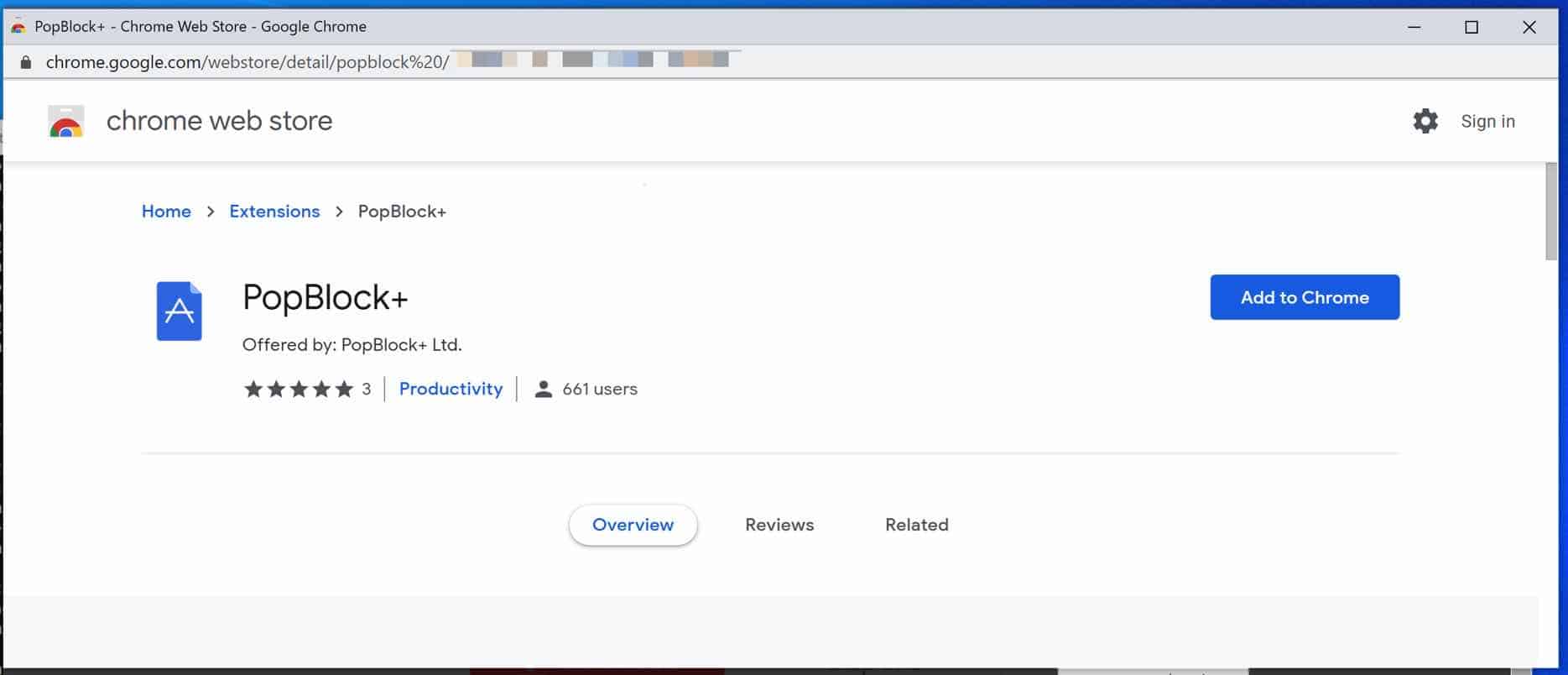
 Uninstall PopBlock+ extension from Google Chrome
- Open Google Chrome
- Type chrome://extensions/ in the Google Chrome address bar and press ENTER on your keyboard.
- Find the “PopBlock+” browser extension and click Remove.
 Uninstall PopBlock+ extension from Firefox
- Open Firefox
- Type about:addons in the Firefox address bar and press ENTER on your keyboard.
- Find the “PopBlock+” browser extension and click the three dots on the right of the PopBlock+ extension.
Select Remove from the menu to remove PopBlock+ from the Firefox browser.
 Uninstall PopBlock+ add-on from Internet Explorer
- Open Internet Explorer
- Click the menu (wrench icon) in the top right.
- Open Manage Addons from the menu.
- Remove PopBlock+ from Extensions and Toolbars.
- On the left open Search Providers settings.
- Find PopBlock+ Search and Remove PopBlock+ Search.
Do you still have PopBlock+ in Internet Explorer?
- Open Windows Control Panel.
- Go to Uninstall a program.
- Click “installed on” column to sort the recently installed applications by date.
- Select PopBlock+ and click Uninstall.
- Follow PopBlock+ uninstall instructions.
 Remove PopBlock+ adware with Malwarebytes
I advise you to remove PopBlock+ adware with Malwarebytes. Malwarebytes is a comprehensive adware removal tool and free to use.
PopBlock+ adware leaves traces such as malicious files, registry keys, scheduled tasks on your device, make sure to completely remove PopBlock+ with Malwarebytes.
- Install Malwarebytes, follow on-screen instructions.
- Click Scan to start a malware-scan.
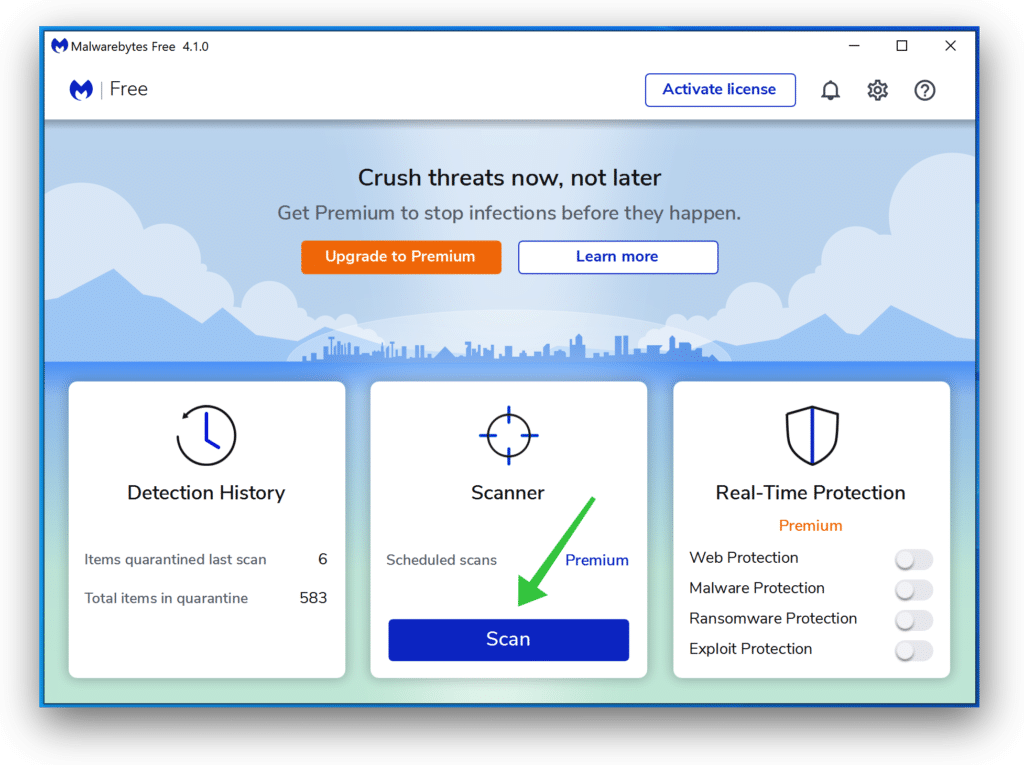
- Wait for the Malwarebytes scan to finish.
- Once completed, review the PopBlock+ detections.
- Click Quarantine to continue.
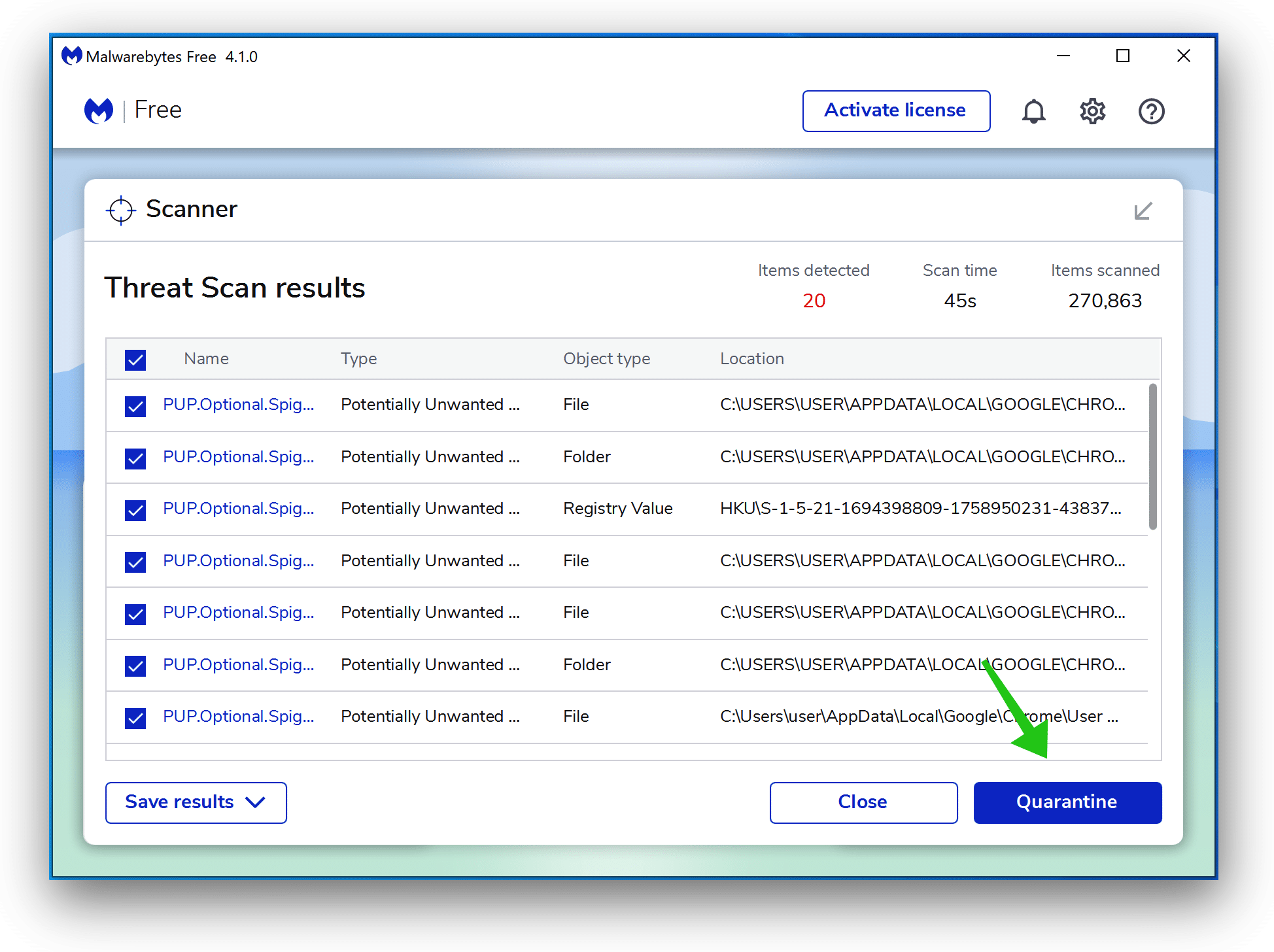
- Reboot Windows after all the detections are moved to quarantine.
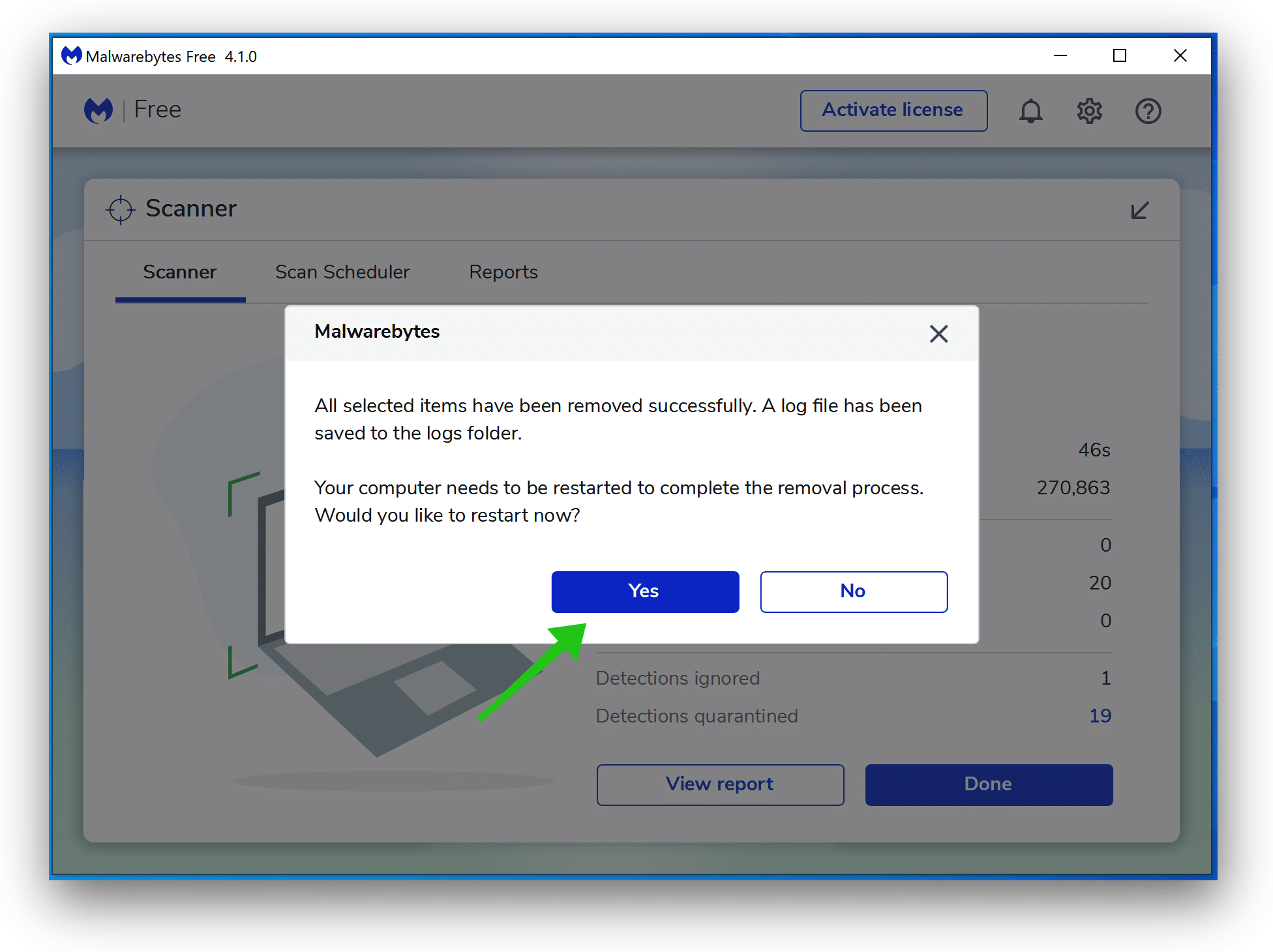
You have now successfully removed PopBlock+ malware from your device.
